Share the load.
Keep the full picture.
Holidays shouldn't mean one person quietly holds the whole team together. HoldTheFort splits responsibilities, spreads the reminders, and gives one caretaker the full picture — so the rest of the team can just update and get on with it.
Divide the work across the team, not onto one person.
Every project in the fort gets its own owner while you're away. One person covers the client thread, another the launch, another the vendor. Nobody inherits the whole to-do list — they only see what's theirs.
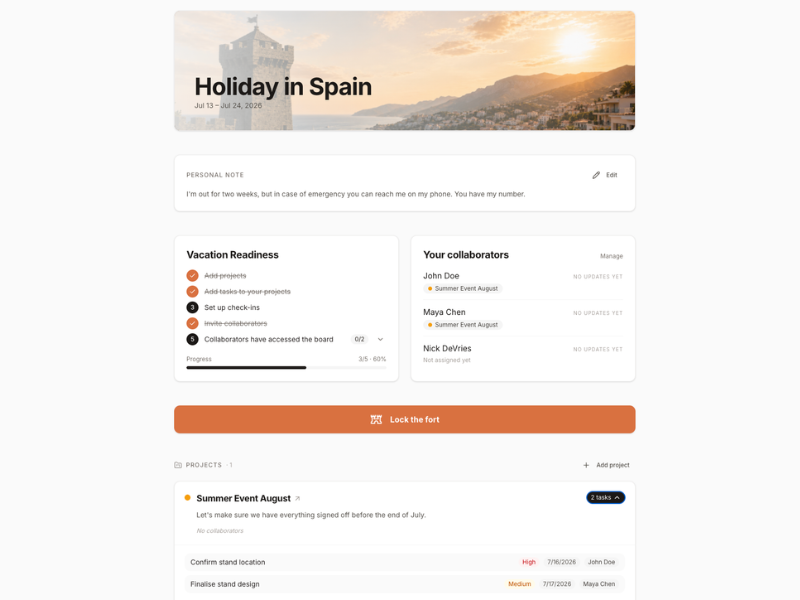
Everyone gets nudged. Nobody has to chase.
Each teammate gets their own cadence — daily, weekly, whatever fits. HoldTheFort sends the reminder, collects the update, and files it against the right project. No group chat pile-up, no "did you see my message?".
- One-tap check-ins for every teammate
- Group updates land in one shared timeline
- Missed replies are visible, not lost
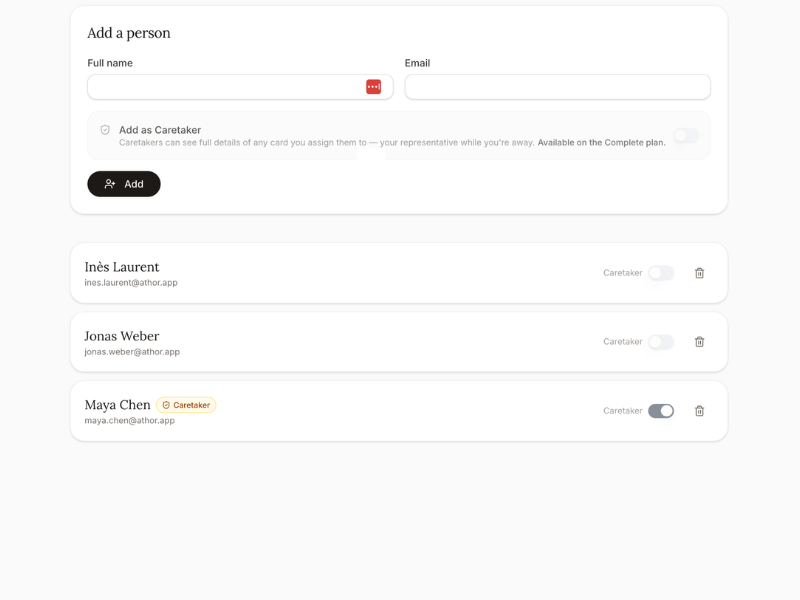
Pick a caretaker. They see everything, so nobody else has to.
Assign one teammate as the caretaker of the fort. They get the bird's-eye view — every project, every update, every open thread — while the rest of the team only sees their own slice. If something needs a decision, the caretaker knows who to ask.
Even on holiday, one person always has the knowledge. Everyone else just keeps updating.
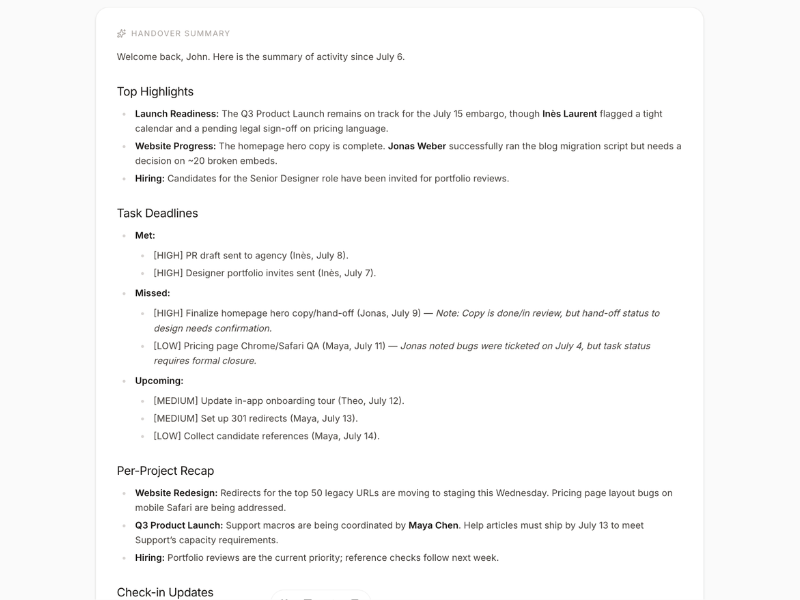
"Nobody should come back to a fire because the team didn't know who was holding the hose."
What teams get out of it
Shared responsibility, without the shared anxiety.
Load is actually shared
Responsibilities are split per project, not dumped on whoever answered first.
One person has the picture
The caretaker sees everything, so the rest of the team can stay focused.
Updates in one place
Group updates land against the right project — not scattered across chats.
Reminders run themselves
Every teammate gets their own cadence. No chasing, no nagging.
Nobody is a single point of failure
If one teammate is off, the rest of the fort keeps holding.
Reusable next time
Save the split, the caretaker, the cadence. Next holiday runs itself.
How a team sets up a fort
- 01List the projects that can't stallThe things that would quietly break if nobody watched them for two weeks.
- 02Split them across the teamOne teammate per project. Small, clear scopes — not 'cover for me'.
- 03Pick a caretakerOne person who sees the full fort, so the rest of the team doesn't have to.
- 04Set each cadenceEvery teammate on their own reminder rhythm. HoldTheFort does the nudging.
- 05Lock the fort and goEveryone knows their piece. The caretaker holds the picture. You're off.
Share the load. Hold the fort together.
Set up your team's first handover in under ten minutes. Unlimited forts, free for everyone.
Create your free account