Multiple projects. Multiple people.
One calm handover.
You're the one holding the threads — deadlines, decisions, stakeholders, follow-ups. HoldTheFort keeps those threads together while you're out, and hands them back to you in one clean briefing.
Track every project, topic and stakeholder in one fort.
Managers don't own one project — they own a portfolio. Add each workstream, assign the person covering it, and drop in the context: current status, open decisions, who to escalate to. No more "wait, what was that thread about?" when you return.
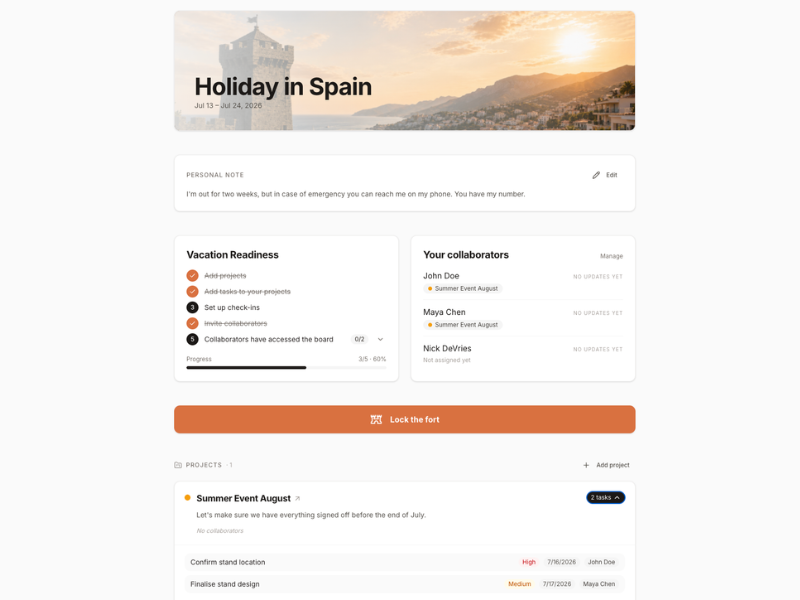
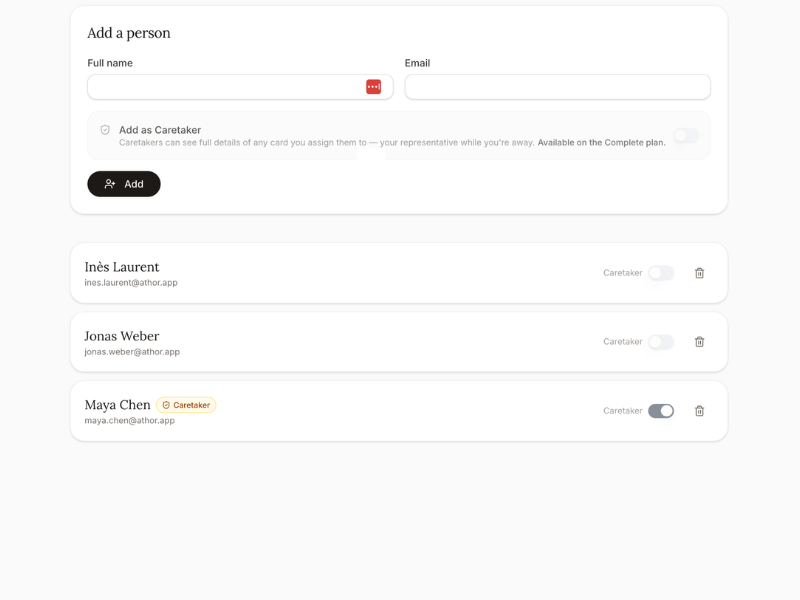
The follow-ups happen without you.
Every project you set up runs on its own cadence. HoldTheFort pings the right person at the right moment, collects their update, and files it against the project. You stop being the human cron job.
- Customisable reminder message in your voice
- One-tap check-ins, no login required
- Missed replies bubble up in your briefing
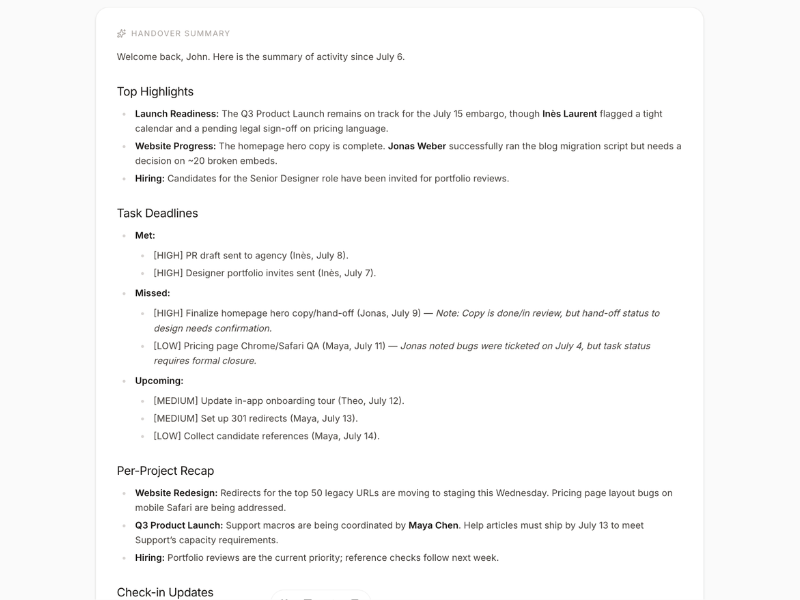
An AI summary waiting when you're back.
No inbox archaeology. No scrolling through 400 Slack messages. Hit "I'm back" and get a structured briefing: what moved, what stalled, what needs you today, and who's waiting on a decision.
Read it in ten minutes over coffee. Then actually do the work.
"The point isn't to work on holiday. The point is to come back and still know what's going on."
What managers actually get out of it
Small things, in the right places, that add up to a real break.
Stakeholders stay informed
Colleagues and clients know exactly who to talk to and when — without pinging you.
Deadlines don't slip
Every project has a heartbeat check while you're away, so nothing quietly stalls.
Context is captured
Decisions, blockers and updates land in one place — not scattered across DMs.
You stay off Slack
No checking in 'just quickly'. The fort holds. Truly disconnect for once.
Day one back is calm
Ten-minute briefing instead of a full day of catching up. Straight into what matters.
Repeatable, not one-off
Save your setup for next time. Every leave gets easier, not harder.
How a manager sets up a fort
- 01List your live projectsNot everything you do — just the things that would stall if you disappeared for two weeks.
- 02Assign a person per projectA colleague, a client contact, whoever should carry the ball. They don't need an account.
- 03Set the rhythmWeekly? Twice a week? HoldTheFort handles the reminders in your name.
- 04Lock the fort and goThat's it. Enjoy the actual break.
- 05Come back to your briefingOne AI summary. Everything that moved. Everything that needs you.

Take the break. We'll hold the fort.
Set up your first handover in under ten minutes. Unlimited forts, free for everyone.
Create your free account